

Why Slow Websites Lose Customers —and How to Fix It
Learn how slow loading, delayed interactions, unstable layouts, weak mobile performance, and technical friction reduce trust, weaken conversions, and cost businesses qualified leads—and what to improve first.

Slow websites lose customers because visitors wait longer to understand the offer, struggle to interact with the page, encounter shifting elements, and lose confidence before calling, booking, buying, or submitting a form. Fix the largest shared problems first: hosting, oversized images, excessive plugins and scripts, weak caching, font loading, mobile layout, and broken conversion paths.
Is Website Speed Costing You Customers?
This guide is for Huntsville and North Alabama businesses whose websites feel slow, perform poorly on mobile, receive traffic without enough leads, or depend on forms, calls, bookings, ecommerce, or service-page conversions.
What You’ll Learn
Why Speed Affects Trust
Understand how delays make a business feel less reliable and professional.
How Speed Weakens Conversions
See how loading and interaction delays interrupt calls, forms, bookings, and purchases.
Why Mobile Matters Most
Learn why weaker devices and networks expose website problems more clearly.
What Usually Causes Slowness
Identify hosting, images, scripts, fonts, plugins, and design choices that create delays.
How to Prioritize Fixes
Focus on shared issues and business-critical pages before minor score improvements.
How to Protect Performance
Create a routine that prevents plugins, images, scripts, and redesigns from slowing the site again.
Website Speed Is Part of the Customer Experience
Visitors experience website performance before they fully understand the offer, read the proof, or decide whether to trust the business.
Speed is more than the moment a page technically finishes loading. It includes how quickly useful content appears, how soon buttons and forms respond, and whether the layout remains stable.
A page can appear visually complete while still feeling slow because scripts block interaction, menus hesitate, or forms respond late.
A fast website helps visitors reach the information and action they came for with less friction.
Slow Websites Weaken Trust and Credibility
Customers often judge the business through the website. Long delays, broken images, unstable layouts, and unresponsive controls can make the company feel outdated or poorly managed.
Performance problems can suggest
- The business does not maintain its systems.
- The website may not be safe or reliable.
- Forms or payments may not work correctly.
- Customer service may also be slow.
- The company may not be prepared for the project.
These assumptions may be unfair, but they still influence customer behavior. A faster, stable experience removes one source of doubt.
Website performance communicates operational quality before the customer speaks with anyone at the business.
How Slow Pages Lose Calls, Forms, Bookings, and Sales
Every extra delay creates another opportunity for a visitor to stop, return to search results, compare a competitor, or postpone the decision.
Conversion friction may include
Performance matters most where customer intent is highest: service pages, landing pages, contact forms, estimate requests, booking flows, product pages, carts, and checkout.
Build a Website That Converts More Visitors
Learn how messaging, proof, speed, mobile usability, calls to action, and forms work together to produce qualified leads.
Read the Conversion GuideWhy Mobile Performance Matters Most
Mobile visitors may use slower connections, lower-powered devices, and smaller screens. These conditions expose heavy scripts, oversized images, difficult navigation, and unstable layouts.
Common mobile performance problems
- Desktop-sized hero images
- Menus delayed by JavaScript
- Popups covering important content
- Text and buttons too small to use easily
- Sticky elements taking too much screen space
- Forms with too many fields
Test important pages on an actual phone, not only inside a desktop browser’s responsive preview.
Test the complete customer path on mobile: search result, landing page, menu, service details, call or form, confirmation, and follow-up.
Slow Websites Reduce the Value of SEO and Advertising
Marketing channels can bring visitors to the website, but the site must convert that attention into useful customer actions.
A slow landing page wastes part of the value created by Local SEO, Google Business Profile, organic search, email, social media, referrals, and paid campaigns.
Performance supports marketing by
- Helping visitors reach useful content sooner
- Reducing friction on conversion pages
- Improving mobile usability
- Supporting Core Web Vitals
- Making campaigns and landing pages more efficient
- Reducing technical distractions from the offer
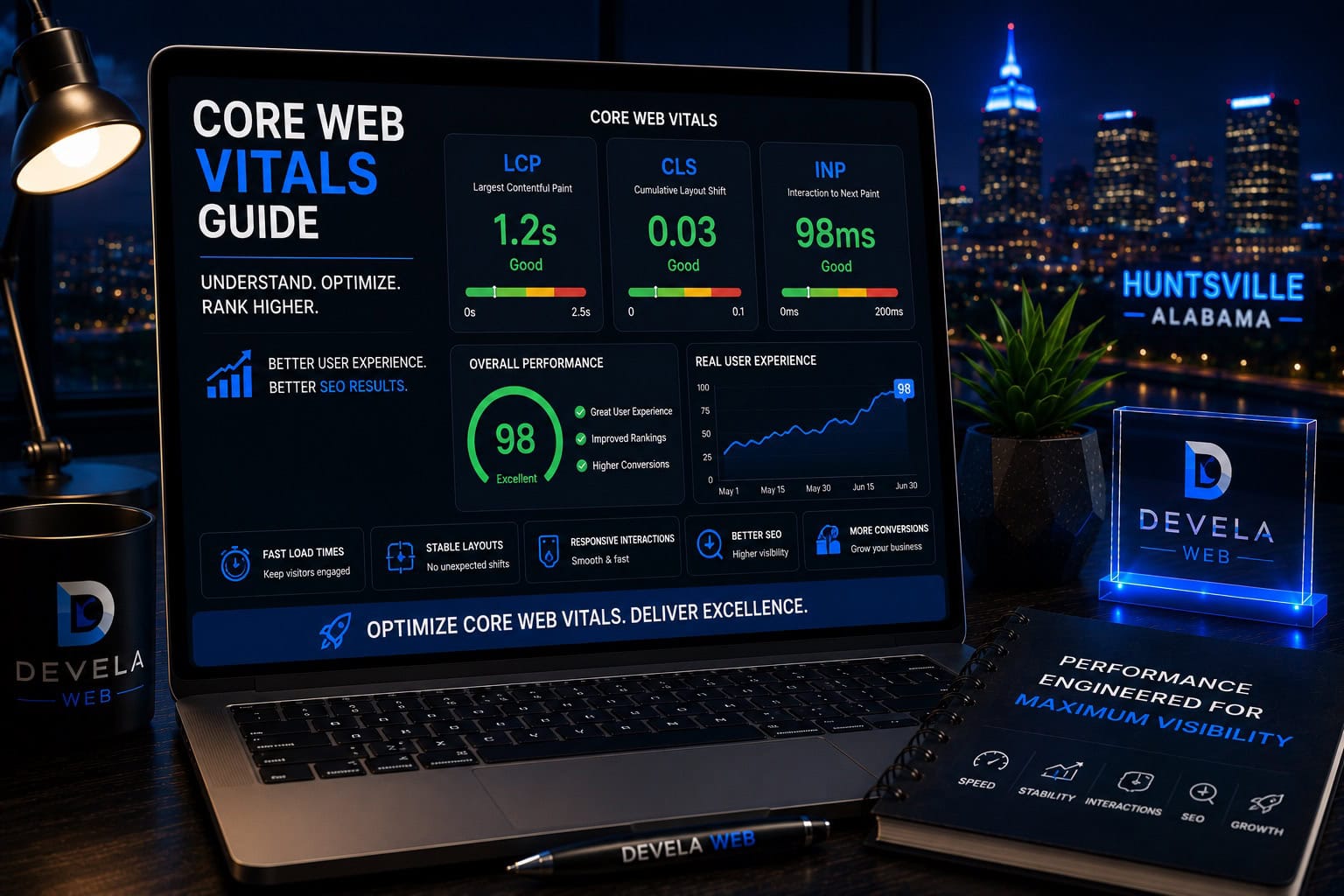
Website performance is not a substitute for relevant content or a strong offer. It helps those strengths reach the customer without unnecessary delay. For a clearer explanation of the main performance signals, review our guide to LCP, INP, and CLS .
Common Causes of Slow Business Websites
Frequent performance problems
Other causes include unoptimized fonts, large CSS files, duplicated tracking tags, database clutter, broken external resources, sliders, maps, review widgets, chat tools, social embeds, and poorly configured optimization plugins.
Do not install several caching and optimization plugins at once. Overlapping systems can create conflicts, broken layouts, and difficult troubleshooting.
Improve Hosting, Caching, and Asset Delivery
Hosting affects server response time, resource limits, database performance, caching options, and reliability.
Hosting and caching priorities
- Use hosting appropriate for the website’s traffic and complexity.
- Enable one compatible page-caching system.
- Use browser caching for reusable assets.
- Consider a content delivery network when appropriate.
- Keep PHP and server software current.
- Review database and background-task performance.
The fastest optimization plugin cannot fully compensate for an overloaded or poorly configured server.
Optimize Images, Fonts, and Media
Images are often the largest visible resources on business websites. Uploading files much larger than their display size increases page weight without improving the design.
Image and media checklist
Fonts can also delay text rendering. Limit font families and weights, preload only critical files when appropriate, and use a reliable loading strategy.
Visual quality should support the message without forcing every visitor to download unnecessary file size.
Reduce Plugin and Third-Party Script Overhead
Plugins, analytics, chat tools, social embeds, review widgets, maps, advertising tags, and scheduling tools may load scripts on every page.
Script-cleanup process
- List every plugin and third-party tool.
- Identify the business purpose of each one.
- Remove duplicate or unused functionality.
- Load assets only where needed when possible.
- Delay nonessential scripts.
- Test forms, menus, tracking, and integrations after changes.
Review the essential WordPress plugin guide before adding more software to a performance problem.
Fix Business-Critical Pages First
Not every page has equal business value. Prioritize pages connected to qualified traffic, leads, bookings, and revenue.
High-priority pages
Fix shared templates and global assets first when they affect many pages. Then optimize the specific images, forms, scripts, and content on high-value pages.
Improve Website Speed and Conversion Performance
Devela Web reviews hosting, plugins, images, caching, scripts, fonts, layouts, and mobile behavior to improve real customer experience.
Explore Website Speed OptimizationMeasure Performance With Business Outcomes
Use technical metrics and customer results together.
Technical measurements
Business measurements
A higher lab score is useful when it produces a faster, more stable, more usable website. Do not remove essential functionality or useful content merely to chase a perfect number.
A Practical Website Speed Improvement Plan
- Identify the pages tied most closely to leads and revenue.
- Test representative pages on mobile and desktop.
- Review Core Web Vitals and real-user data when available.
- Fix hosting and server-response problems.
- Optimize hero images, fonts, and large media.
- Remove unused plugins and duplicated scripts.
- Configure one compatible caching system.
- Test forms, menus, booking, and checkout after every major change.
- Compare customer actions before and after improvements.
- Create a performance review process for future updates.
Optimize the shared template, main hero image, sitewide scripts, and mobile conversion path before spending hours on minor details.
Common Questions About Slow Websites
These are common questions business owners ask when website performance begins affecting customers and conversions.
How does a slow website affect customers?
Slow loading, delayed interactions, and unstable layouts create frustration and uncertainty. Visitors may leave before calling, submitting a form, booking, or purchasing.
Can website speed affect conversions?
Yes. Performance affects how quickly visitors can understand the offer, build trust, and complete important actions such as calls, forms, bookings, and checkout.
What usually makes a WordPress website slow?
Common causes include weak hosting, oversized images, heavy themes, too many plugins, third-party scripts, poor caching, web fonts, and inefficient page-builder layouts.
Is mobile website speed more important than desktop speed?
Both matter, but mobile conditions often expose performance problems more clearly because devices and networks may be slower and the screen provides less room for difficult layouts.
Will a caching plugin fix every slow website?
No. Caching can help, but it cannot fully correct poor hosting, oversized media, excessive JavaScript, bloated plugins, weak layout decisions, or broken third-party resources.
What pages should I optimize first?
Start with the homepage, primary service pages, landing pages, contact and estimate forms, booking flows, product pages, cart, and checkout.
How can I tell whether speed improvements helped the business?
Compare technical performance with qualified calls, completed forms, bookings, purchases, conversion rates, and lead quality before and after the changes.



Devela Web Editorial Team
The Devela Web Editorial Team creates practical, research-based resources covering website performance, Core Web Vitals, WordPress, SEO, web design, and conversion-focused digital strategy for Huntsville and North Alabama businesses.
- Website Speed Optimization
- Core Web Vitals Analysis
- WordPress Performance
- Conversion-Focused Web Design