

Core Web Vitals Explained: LCP, INP, and CLS
Learn what Google’s Core Web Vitals measure, how Largest Contentful Paint, Interaction to Next Paint, and Cumulative Layout Shift affect real users, where to test them, and how businesses can improve page experience without chasing scores blindly.
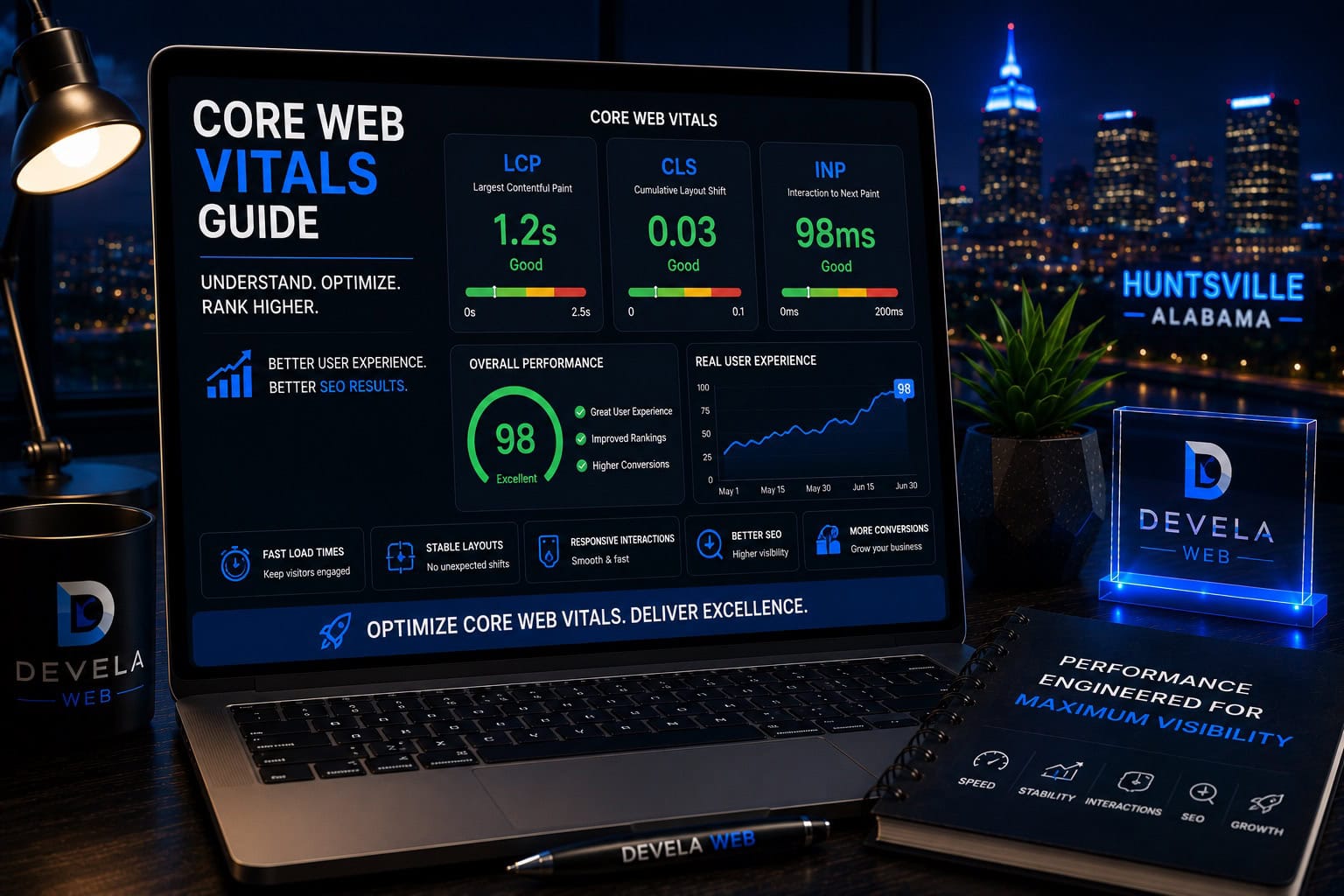
Core Web Vitals are three user-experience metrics: Largest Contentful Paint measures loading performance, Interaction to Next Paint measures responsiveness, and Cumulative Layout Shift measures visual stability. Google defines good thresholds as LCP within 2.5 seconds, INP at 200 milliseconds or less, and CLS at 0.1 or less, measured at the 75th percentile of page visits.
Is This Guide Right for Your Website?
This guide is for business owners, marketers, WordPress administrators, and website managers who want to understand performance reports without becoming developers. It is especially useful when Search Console reports poor URLs, PageSpeed Insights shows inconsistent scores, or a website feels slow, delayed, or unstable on mobile devices.
What You’ll Learn
What Core Web Vitals Measure
Understand loading performance, responsiveness, and visual stability.
How LCP Works
Learn what delays the largest visible content and how to improve it.
How INP Works
See why slow clicks, taps, and keyboard interactions frustrate users.
How CLS Works
Understand why shifting buttons, text, and images create poor experiences.
Field Data vs. Lab Data
Learn why Search Console and Lighthouse can show different results.
How to Prioritize Improvements
Fix real user problems before chasing perfect performance scores.
What Core Web Vitals Are
Core Web Vitals are a set of metrics designed to measure real-world user experience for loading performance, interactivity, and visual stability.
They focus on three questions visitors feel immediately:
- How quickly does the main content appear?
- How quickly does the page respond when I interact with it?
- Does the layout remain stable while it loads?
These metrics are useful because a page can technically finish loading while still feeling slow, unresponsive, or unstable to the person using it. For a broader performance framework, review our complete website speed optimization guide .
Core Web Vitals measure whether a page loads usefully, responds quickly, and stays visually stable for real visitors.
Largest Contentful Paint Measures Loading Performance
Largest Contentful Paint, or LCP, measures how long it takes for the largest visible image or text block in the initial viewport to render. It is intended to represent when the page’s main content appears useful.
Common LCP elements
- Hero images
- Large page headings
- Featured images
- Background images
- Large text blocks
- Video poster images
LCP can be delayed by slow hosting, large images, render-blocking CSS, web fonts, delayed resource discovery, JavaScript, or a page builder that creates excessive markup and assets.
Ways to improve LCP
Interaction to Next Paint Measures Responsiveness
Interaction to Next Paint, or INP, evaluates how responsive a page is to user interactions such as clicks, taps, and keyboard input during the visit.
A page can look fully loaded but still feel broken when the browser is too busy to respond quickly. Long JavaScript tasks, heavy third-party scripts, complex event handlers, and excessive main-thread work are common causes.
INP problems may appear as
- Menus opening late
- Buttons responding slowly
- Form fields lagging while typing
- Filters or tabs freezing briefly
- Accordions reacting after a noticeable delay
- Checkout controls feeling unresponsive
Remove unnecessary scripts, delay nonessential third-party code, break up long tasks, and test the interactions customers actually use.
Cumulative Layout Shift Measures Visual Stability
Cumulative Layout Shift, or CLS, measures unexpected movement of visible page content. Layout shifts can cause users to lose their place, click the wrong item, or become uncertain about whether the page is finished loading.
Common causes of layout shift
- Images without width and height dimensions
- Ads, banners, or embeds inserted above existing content
- Late-loading web fonts
- Cookie notices that push the layout downward
- Dynamic content added without reserved space
- Animations that change layout properties
A page should not move the target after a visitor has decided where to click.
Ways to improve CLS
What Counts as a Good Core Web Vitals Score?
Google defines good Core Web Vitals performance using the following thresholds:
Good thresholds
The 75th percentile means at least 75% of visits should meet the good threshold. A fast test from one device does not prove that most users receive the same experience.
Do not treat a single Lighthouse score as the final verdict. Real-user performance can differ because of devices, networks, geography, and visitor behavior.
Field Data and Lab Data Measure Different Things
Field data comes from real users over time. Lab data is collected in a controlled test environment. Both are useful, but they answer different questions.
Field data helps reveal
Lab data helps reveal
Search Console and the Chrome User Experience Report rely on field data. Lighthouse provides lab diagnostics. PageSpeed Insights can show both when enough field data exists.
How to Test Core Web Vitals
Useful testing tools
- Google Search Console Core Web Vitals report
- PageSpeed Insights
- Chrome DevTools Lighthouse
- Chrome DevTools Performance panel
- Chrome User Experience Report data
- Real-user monitoring tools
Start with Search Console to identify affected groups of URLs. Then use PageSpeed Insights and DevTools on representative pages to diagnose likely causes.
Improve Website Speed and Core Web Vitals
Devela Web reviews hosting, images, caching, scripts, fonts, plugins, layout stability, and mobile behavior to improve real website performance.
Explore Website Speed OptimizationCommon WordPress Causes of Poor Core Web Vitals
WordPress can perform well, but an inefficient setup can create heavy pages and delayed interactions.
Common WordPress performance problems
Other causes include sliders, video backgrounds, chat widgets, review widgets, cookie tools, popups, maps, social embeds, and duplicated optimization plugins.
Review the guide to essential WordPress plugins before adding more tools to a slow website.
How to Improve Core Web Vitals
Fix the metric with the clearest user impact first, then retest representative pages.
Improve LCP
- Use appropriately sized and compressed images.
- Improve server response time.
- Preload critical assets when appropriate.
- Reduce render-blocking CSS and fonts.
- Keep the main content easy to discover.
Improve INP
- Remove unnecessary JavaScript.
- Delay nonessential third-party scripts.
- Break long tasks into smaller work.
- Simplify heavy interactive components.
- Test menus, forms, filters, and checkout actions.
Improve CLS
- Set width and height for images and videos.
- Reserve space for banners, embeds, and ads.
- Use predictable font loading.
- Avoid inserting late content above existing content.
- Test sticky headers and consent notices.
Do Core Web Vitals Affect SEO Rankings?
Google states that Core Web Vitals are used by its ranking systems as part of the broader page-experience picture. Good scores can support a better user experience, but they do not guarantee top rankings.
Relevance, helpful content, authority, search intent, technical accessibility, internal linking, and competition remain essential.
A fast page that does not answer the searcher’s question is still a poor search result.
Performance work should improve the experience without removing useful content or weakening the business’s ability to explain its services. Strong performance also supports the usability and conversion principles explained in our guide to high-converting business websites .
How to Prioritize Core Web Vitals Work
Do not begin with small technical details while ignoring obvious bottlenecks. Prioritize changes by user impact, page importance, and effort.
Priority order
Fix shared causes first. Improving a global header script, font, caching layer, or image system may help many URLs at once.
Compare before-and-after field data over time instead of declaring success from one immediate lab test.
A Practical Core Web Vitals Action Plan
- Review the Search Console Core Web Vitals report.
- Identify the affected mobile and desktop URL groups.
- Test representative pages in PageSpeed Insights.
- Confirm whether LCP, INP, CLS, or several metrics are failing.
- Fix shared hosting, image, font, script, or layout problems first.
- Retest important service and conversion pages.
- Check forms, menus, checkout, and mobile interactions.
- Monitor real-user data as new visits accumulate.
- Document the changes and avoid unnecessary regressions.
Find the Highest-Impact Website Bottlenecks
Devela Web identifies the hosting, image, code, plugin, font, script, and layout problems that most affect real users and business-critical pages.
Explore Website Speed OptimizationCommon Core Web Vitals Questions
These are common questions business owners ask when reviewing website performance reports.
What are the three Core Web Vitals?
The three Core Web Vitals are Largest Contentful Paint for loading performance, Interaction to Next Paint for responsiveness, and Cumulative Layout Shift for visual stability.
What is a good LCP score?
Google defines good LCP as 2.5 seconds or less at the 75th percentile of page visits.
What is a good INP score?
Google defines good INP as 200 milliseconds or less at the 75th percentile of page visits.
What is a good CLS score?
Google defines good CLS as 0.1 or less at the 75th percentile of page visits.
Why are Lighthouse and Search Console scores different?
Lighthouse is a controlled lab test, while Search Console uses aggregated field data from real users. Device speed, network conditions, geography, and visitor behavior can produce different results.
Do Core Web Vitals directly determine rankings?
Core Web Vitals are used as part of Google’s broader page-experience systems, but good scores do not guarantee high rankings. Content relevance, authority, technical accessibility, and competition also matter.
How long does Search Console take to show improvements?
Field data needs new real-user visits and is aggregated over time, so improvements may not appear immediately. Lab tools can confirm changes sooner while field data accumulates.


Devela Web Editorial Team
The Devela Web Editorial Team creates practical, research-based resources covering website performance, Core Web Vitals, WordPress, SEO, web design, and conversion-focused digital strategy for Huntsville and North Alabama businesses.
- Core Web Vitals Analysis
- Website Speed Optimization
- WordPress Performance
- Technical SEO and User Experience