

Why WordPress Is the Best Platform for Business Websites
Learn why WordPress remains one of the strongest choices for business websites that need flexible design, SEO control, content ownership, hosting portability, integrations, and room to grow without being locked into a closed platform.
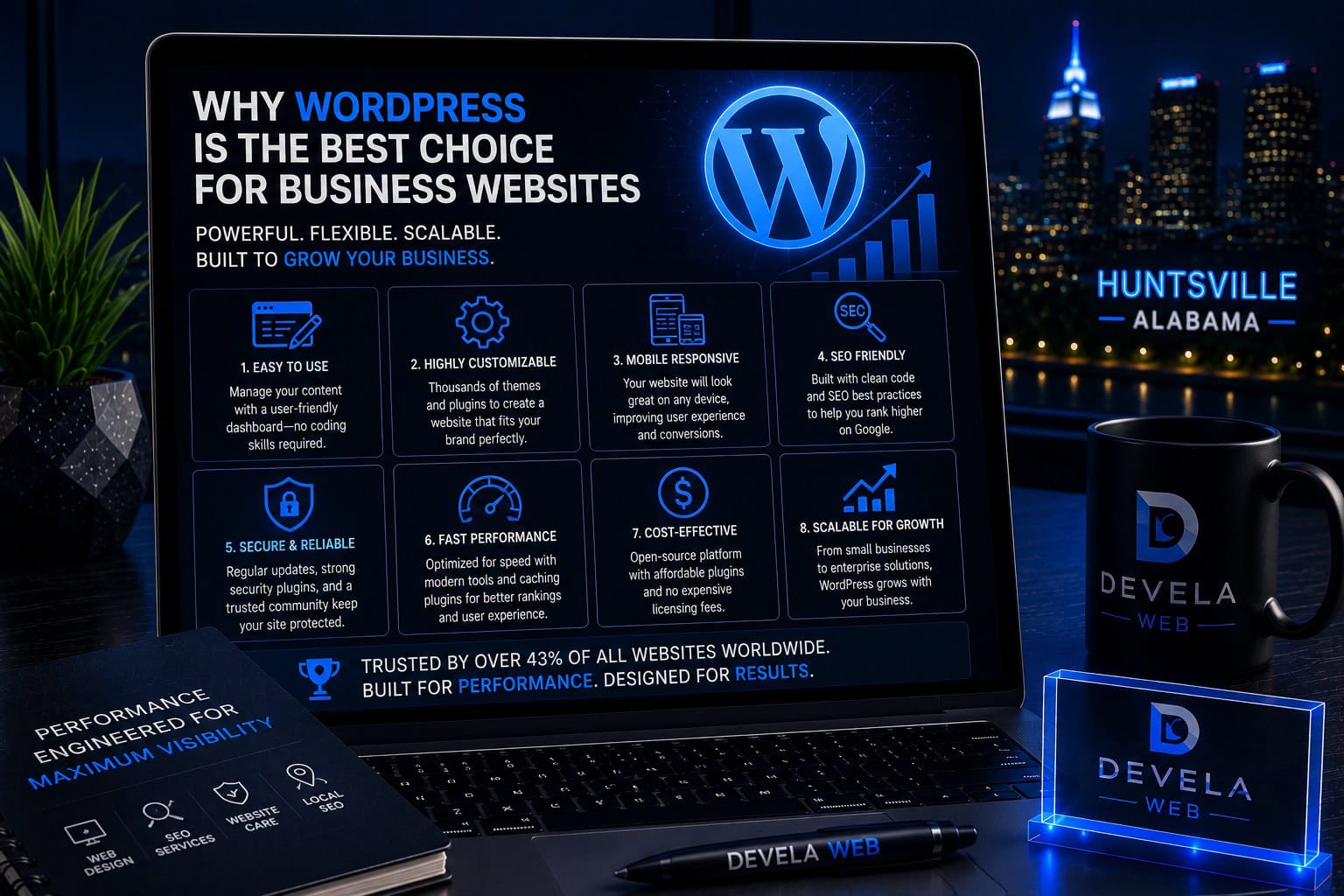
WordPress is a strong platform for business websites because it offers flexible design, powerful content management, strong SEO controls, hosting portability, broad integration options, and long-term ownership. It works best when the website is professionally planned, built with a focused plugin stack, hosted reliably, and maintained consistently.
Is WordPress Right for Your Business?
This guide is for Huntsville and North Alabama business owners comparing WordPress with hosted builders, proprietary agency platforms, ecommerce systems, or fully custom websites. It is especially useful for companies that care about SEO, long-term control, content growth, integrations, and avoiding unnecessary platform lock-in.
What You’ll Learn
Why Ownership Matters
Understand the value of controlling your domain, hosting, files, content, and administrator access.
How WordPress Supports SEO
Use flexible URLs, metadata, schema, internal links, service pages, and technical controls.
Why It Scales Well
Expand from a focused business site into resources, ecommerce, memberships, or custom systems.
Where WordPress Requires Care
Plan for updates, backups, security, plugin management, and professional maintenance.
How It Compares to Builders
Evaluate convenience, flexibility, ownership, portability, cost, and long-term limitations.
How to Choose the Right Setup
Match the platform, hosting, theme, plugins, and support model to your actual business needs.
What WordPress Is
WordPress is an open-source content management system that allows businesses to build, manage, and expand websites without being tied to one design company, hosting provider, or closed platform.
It can support simple informational websites, large resource libraries, ecommerce stores, membership sites, directories, booking systems, and custom business workflows.
WordPress itself is only the foundation. The quality of the finished website depends on the hosting, theme, design system, plugins, code, content, security, and maintenance process. Business owners comparing project budgets can also review our guide to professional website costs in Huntsville .
WordPress is not automatically fast, secure, or optimized. Those results come from how the website is planned, built, hosted, and maintained.
WordPress Gives Businesses More Ownership and Control
A properly configured WordPress website can be owned and controlled by the business. The company can hold the domain, hosting account, website files, database, content, analytics, and administrator access.
Ownership should include
- Domain registration under the business’s control
- Access to the hosting account
- WordPress administrator credentials
- Ownership of website copy and images
- Access to analytics and Search Console
- Clear terms for premium licenses and custom code
This reduces risk if the business changes agencies, employees, hosting providers, or maintenance services.
A business website should be a company asset—not a system that disappears when a vendor relationship ends.
WordPress Supports Flexible, Professional Design
WordPress can support custom layouts, reusable design systems, unique service pages, local landing pages, interactive features, custom post types, and brand-specific components. These capabilities are most effective when they support the principles of a high-converting business website rather than adding visual complexity without a clear purpose.
Design capabilities may include
WordPress does not force every business into the same template. However, using a heavy theme or too many visual plugins can create performance and maintenance problems.
Build a reusable design system so future pages stay consistent without rebuilding every section from the beginning.
WordPress Provides Strong SEO Control
WordPress gives businesses control over page structure, URLs, headings, internal links, metadata, sitemaps, schema, images, categories, redirects, and content publishing.
SEO advantages include
- Custom page titles and meta descriptions
- Flexible URL structure
- Dedicated service and location pages
- Internal linking between related resources
- XML sitemaps and index controls
- Structured data and social metadata
- Content expansion over time
SEO plugins can simplify many controls, but no plugin replaces useful content, technical quality, internal linking, authority, or a clear search strategy.
Build a WordPress Website Around Visibility
Devela Web combines professional WordPress design, strategic page planning, Local SEO, technical foundations, and conversion-focused structure for Huntsville businesses.
Explore WordPress Website DesignWordPress Makes Content Management Practical
Businesses can update text, images, team members, services, articles, FAQs, case studies, and other content without rebuilding the entire website.
Content management benefits
A well-designed backend should make routine updates safe and clear. If every small edit risks breaking the layout, the website has not been structured well for the business.
WordPress Can Grow With the Business
A company may begin with a focused five-page website and later add resources, service areas, case studies, ecommerce, booking, client portals, memberships, multilingual content, or other systems.
Common growth paths
- Additional service and location pages
- Resource centers and article libraries
- WooCommerce stores
- Appointment and booking systems
- Member or customer portals
- Directories and custom post types
- CRM and email integrations
Scalability still requires planning. Poor hosting, bloated plugins, weak database structure, and inconsistent templates can limit growth.
WordPress Has a Large Plugin and Integration Ecosystem
WordPress can connect with forms, email platforms, CRMs, payment processors, analytics, booking systems, ecommerce, automation tools, and many other business services.
Common business integrations
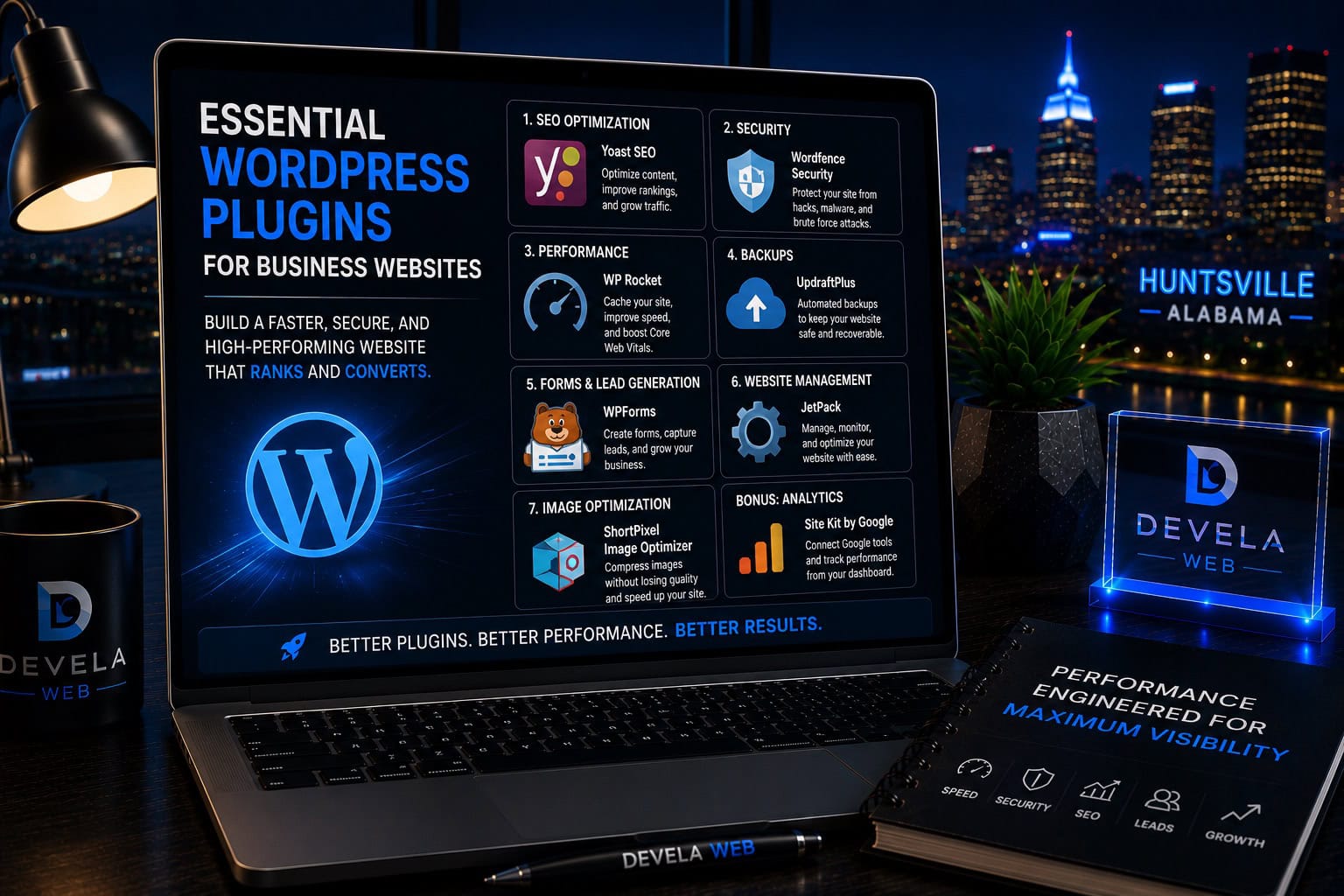
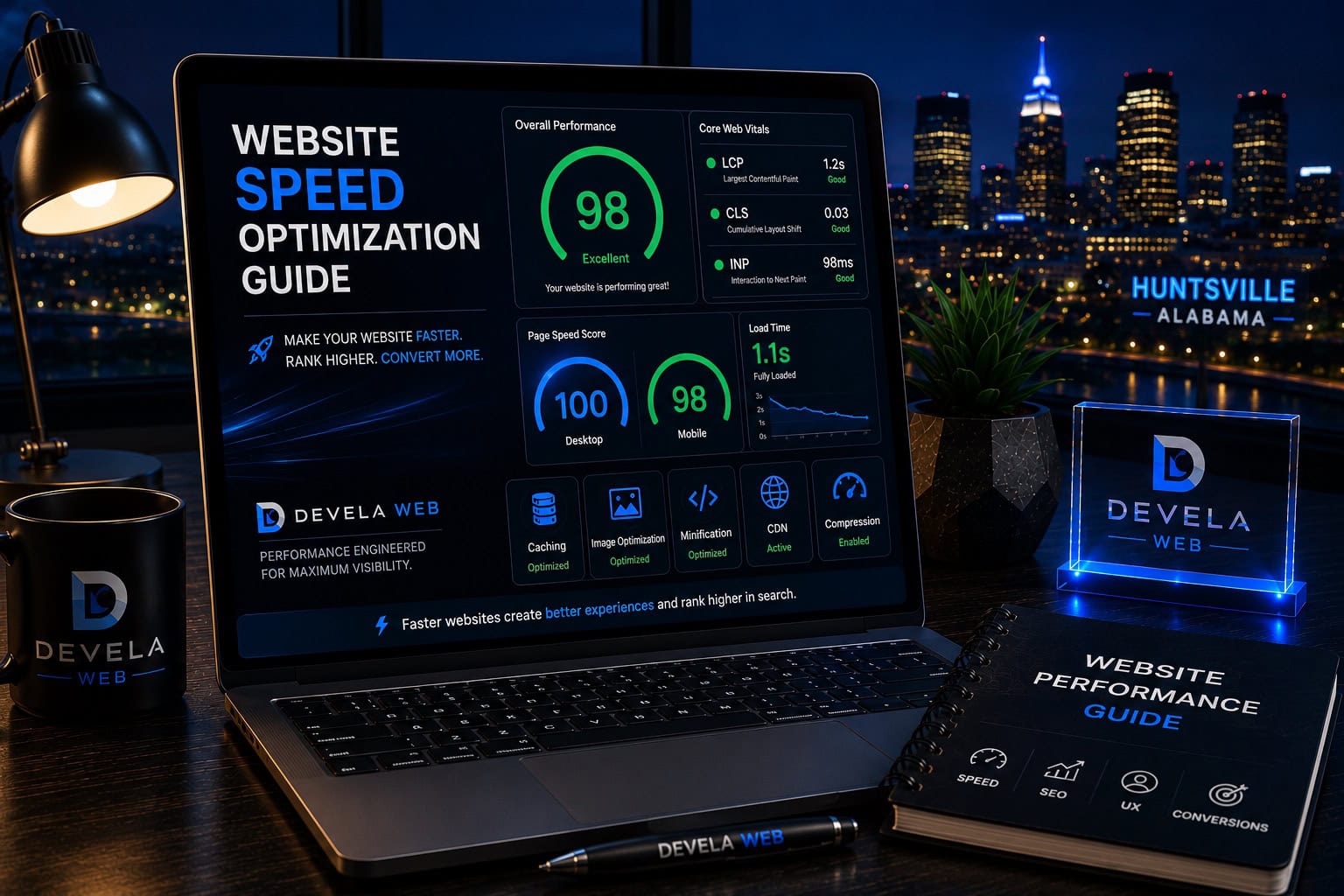
Install only the tools the business actually needs. A focused plugin stack is easier to secure, maintain, and optimize. It also reduces the performance risks explained in our complete website speed optimization guide .
Review the guide to essential WordPress plugins for business websites before installing multiple tools with overlapping features.
WordPress Websites Can Move Between Hosts
One of WordPress’s strongest business advantages is portability. A website can generally be backed up and migrated to another compatible hosting provider.
Portability protects the business from
- Poor hosting performance
- Unexpected price increases
- Vendor lock-in
- Weak support
- Agency relationship changes
- Business growth beyond the current plan
Portability is not always effortless. Custom code, proprietary licenses, hosting-specific features, and poorly documented systems can complicate migration. These dependencies should be explained before the project begins.
The business should control the domain, hosting, WordPress administrator account, backups, and major third-party services.
WordPress Requires Ongoing Maintenance
WordPress is flexible because the site can combine core software, themes, plugins, custom code, hosting, and integrations. Those components need updates, backups, monitoring, and testing.
Ongoing maintenance includes
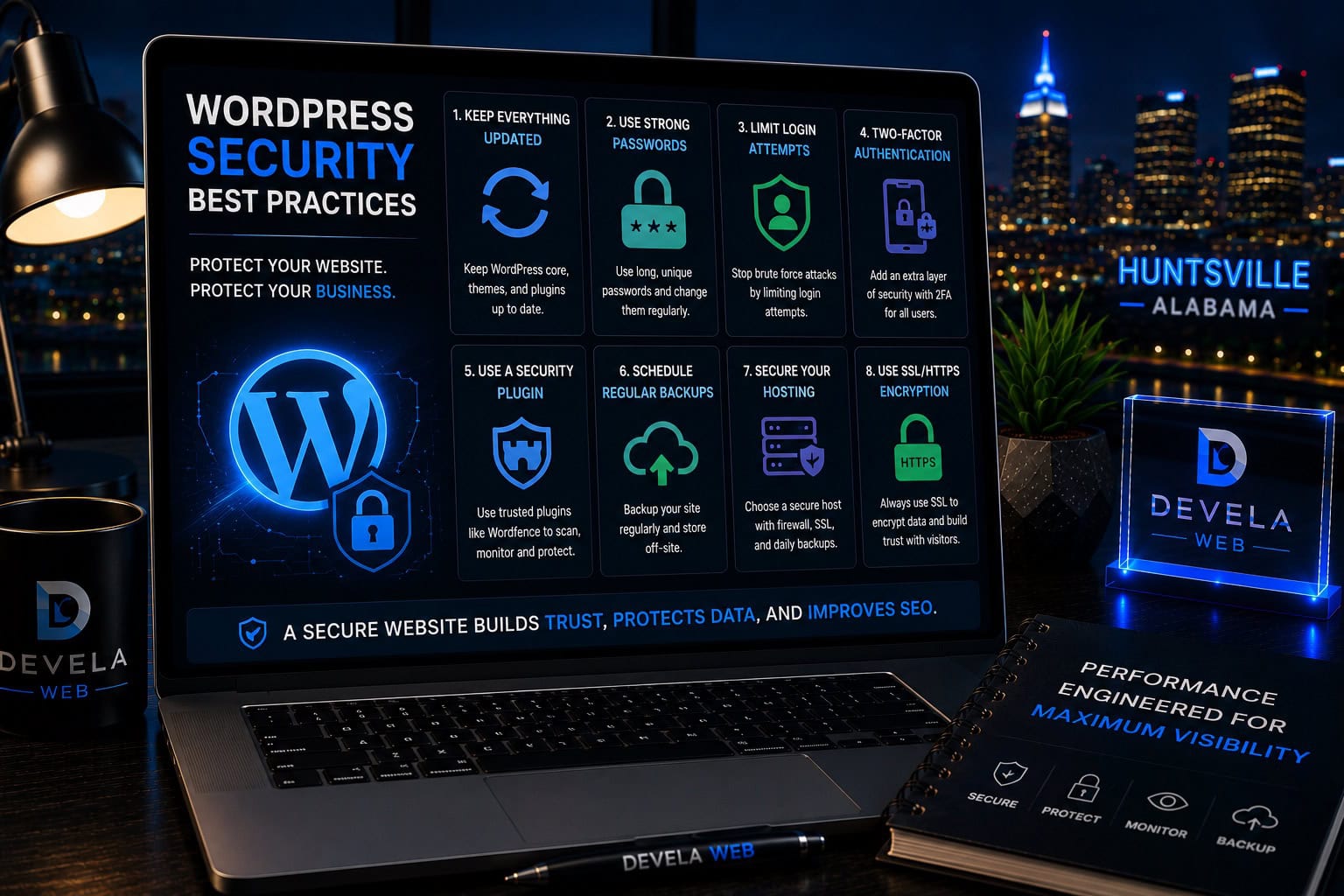
Do not treat launch as the end of the project. An unmaintained WordPress website can become outdated, vulnerable, slow, or unreliable.
Review the full guide to WordPress security best practices for a practical maintenance and protection plan.
WordPress Compared With Hosted Website Builders
Hosted builders can be convenient for simple websites because the platform manages hosting, updates, and many technical details. WordPress offers more control and portability but usually requires more responsibility.
General comparison
The right platform depends on business goals. A simple temporary site may not need WordPress. A company planning strong SEO, custom design, content expansion, and long-term control often benefits from it.
When WordPress May Not Be the Best Choice
WordPress is not automatically the right platform for every project.
Another platform may be better when
- The website is extremely small and temporary.
- The owner wants no maintenance responsibility.
- A specialized hosted system already solves the exact business need.
- The project requires a fully custom application rather than a content-managed website.
- The team lacks resources for updates, security, and support.
- Platform portability and deep customization are not priorities.
The best decision is based on the business model, not platform loyalty. Choose the system that meets current needs without creating unnecessary limitations later.
The best website platform is the one that supports the business’s actual goals, ownership needs, budget, and long-term growth plan.
A Practical Website Platform Decision Plan
Compare platforms using the same requirements and long-term goals.
- Define the website’s primary business goal.
- List required pages, content, and functionality.
- Decide how important SEO and content growth are.
- Confirm ownership and portability requirements.
- Estimate ongoing hosting, software, and maintenance costs.
- Identify integrations and future expansion needs.
- Determine who will manage updates and security.
- Compare WordPress with hosted and custom alternatives.
- Choose the platform that provides the best long-term fit.
Build a Flexible Website You Can Grow
Devela Web creates professional WordPress websites with premium design, SEO-focused structure, mobile performance, clear ownership, and a maintainable foundation.
Explore WordPress Website DesignCommon Questions About WordPress
These are common questions business owners ask when deciding whether WordPress is the right website platform.
Is WordPress good for business websites?
Yes. WordPress is a strong option for businesses that need flexible design, SEO control, content management, portability, integrations, and room to grow.
Is WordPress better than Wix or Squarespace?
WordPress generally offers more flexibility, portability, and control. Hosted builders can be simpler to manage. The better choice depends on the website’s goals, complexity, budget, and maintenance plan.
Is WordPress good for SEO?
WordPress provides strong SEO controls, but rankings still depend on strategy, content, technical quality, speed, links, relevance, and competition.
Is WordPress secure?
WordPress can be secure when it is updated, backed up, hosted properly, protected with strong access controls, and maintained responsibly.
Can a WordPress website be moved to another host?
Usually yes. WordPress websites can generally be backed up and migrated to another compatible hosting provider, although custom dependencies may require additional work.
How much does a WordPress website cost?
Cost depends on design, page count, content, functionality, integrations, SEO, hosting, and ongoing maintenance. WordPress software is open source, but professional implementation still requires planning and skilled work.
Does WordPress require maintenance?
Yes. WordPress core, themes, plugins, backups, security, forms, email delivery, and performance should be monitored regularly.
Devela Web Editorial Team
The Devela Web Editorial Team creates practical, research-based resources covering WordPress, website maintenance, SEO, web design, website performance, Google Business Profile optimization, and conversion-focused digital strategy for Huntsville and North Alabama businesses.
- WordPress Website Strategy
- WordPress Security and Maintenance
- Website Performance Optimization
- SEO-Focused Website Planning