

10 Signs It’s Time to Redesign Your Business Website
Learn how to recognize when an outdated website is weakening trust, search visibility, mobile usability, conversions, and long-term growth—and when a strategic redesign is a better investment than another round of small fixes.

It may be time to redesign your business website when it looks outdated, performs poorly on mobile devices, loads slowly, is difficult to update, no longer reflects your services, receives traffic but produces few leads, or has accumulated technical and SEO problems that small fixes can no longer solve efficiently.
Is This Guide Right for Your Business?
This guide is for Huntsville and North Alabama business owners who are unsure whether their current website needs a few focused improvements or a complete redesign. It is especially useful for companies whose websites are several years old, difficult to maintain, no longer aligned with the brand, or failing to generate qualified inquiries.
What You’ll Learn
When Design Becomes a Trust Problem
Recognize when outdated visuals are weakening credibility before visitors contact you.
Why Mobile Experience Matters
See how difficult navigation, small text, and slow loading lose high-intent visitors.
How Redesigns Affect SEO
Understand the need to protect URLs, rankings, content, redirects, and analytics.
When Small Fixes Stop Being Efficient
Identify when repeated patches cost more than rebuilding the underlying system properly.
What a Strategic Redesign Includes
Plan around customers, content, conversions, performance, SEO, and maintainability.
How to Prepare for the Project
Follow a practical redesign checklist that reduces risk and keeps the project focused.
Does Your Website Need a Redesign or a Smaller Refresh?
Not every website problem requires rebuilding the entire site. A focused refresh may be enough when the underlying platform, navigation, content structure, mobile behavior, and technical foundation are still sound.
A redesign becomes more appropriate when several major problems are connected. For example, outdated layouts may be tied to weak mobile responsiveness, difficult editing, slow performance, inconsistent branding, poor conversion paths, and an obsolete page structure.
The decision should be based on business impact and technical condition—not simply the age of the website. A well-maintained older site can remain effective, while a newer site can still require a redesign if it was poorly planned or built.
If one isolated problem can be corrected cleanly, start with the smaller fix. If every improvement exposes another structural problem, a planned redesign may be the more economical path.
Sign 1: The Design Looks Outdated
Visitors form an impression quickly. A website with dated typography, crowded layouts, inconsistent colors, low-quality images, or old design patterns can make an established business appear less capable than it really is.
Outdated design does not mean every site must follow trends. The goal is a clear, credible, professional presentation that supports the brand and makes information easy to understand.
Warning signs
- The site no longer resembles your current branding.
- Pages feel crowded, inconsistent, or difficult to scan.
- Photography and graphics look generic or low quality.
- Important actions do not stand out clearly.
- Customers frequently comment that the site looks old.
Sign 2: The Mobile Experience Is Poor
Mobile responsiveness is not optional for a local business website. Customers may be searching while commuting, comparing providers, looking for directions, or trying to call immediately.
Common mobile redesign signals
If mobile problems are caused by the core theme, old page builder, or inflexible layouts, repairing each page individually may cost more than rebuilding the system with mobile-first standards.
Sign 3: The Website Is Consistently Slow
Slow performance may result from oversized images, outdated code, excessive plugins, weak hosting, multiple tracking scripts, or a theme that loads far more assets than the site needs.
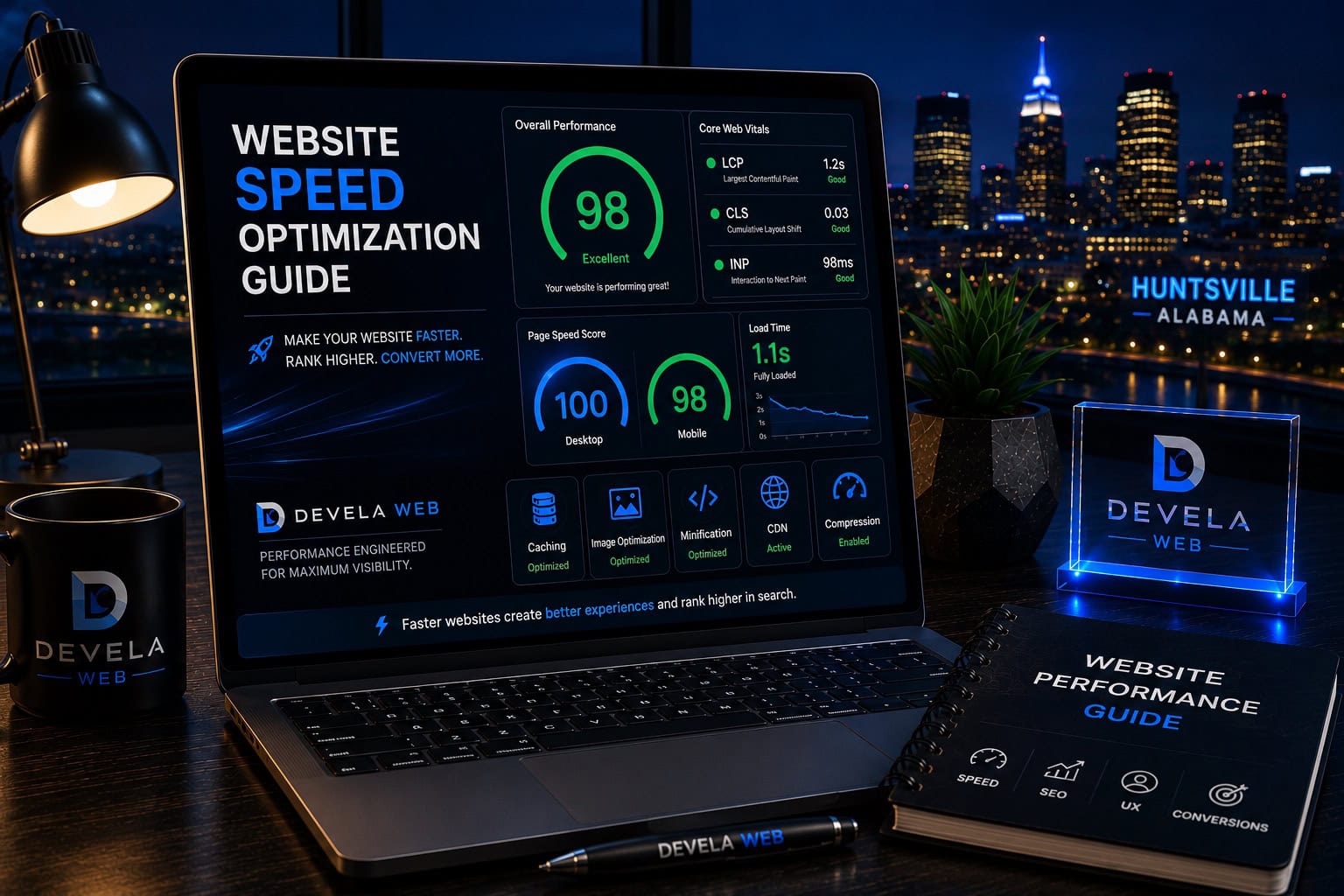
Some performance problems can be corrected through focused optimization. However, a website built on a heavy or unstable foundation may remain difficult to improve without changing the underlying architecture. Review our complete website speed optimization guide to understand which issues may be repairable before committing to a full redesign.
Improve Website Speed and Performance
Devela Web reviews images, hosting, caching, plugins, scripts, code, and mobile behavior to identify practical performance improvements.
Explore Website Speed OptimizationSign 4: Website Traffic Produces Few Qualified Leads
A website may attract visitors without helping them understand the offer or take the next step. Weak messaging, unclear calls to action, poor page hierarchy, limited trust signals, and confusing forms can reduce conversions even when traffic is growing.
A business website should do more than describe the company. It should guide the right visitor toward a clear and relevant next step.
Conversion problems to investigate
- Visitors cannot quickly understand what the business offers.
- Calls to action are vague, inconsistent, or hidden.
- Service pages lack proof, detail, and differentiation.
- Forms ask for too much information too early.
- Important pages create traffic but few calls or submissions.
Sign 5: The Website No Longer Reflects Your Business
Businesses evolve. Services change, teams grow, markets shift, positioning becomes more focused, and ideal customers become clearer. A website built for the company you were several years ago may no longer represent the company you are today.
A redesign provides an opportunity to rebuild the sitemap, messaging, visuals, service pages, and conversion paths around the current strategy instead of continuing to add exceptions to an outdated structure.
Begin the redesign with your current offers, audience, service area, brand position, and business goals. Do not simply move old content into a new visual shell.
Sign 6: Updating the Website Is Too Difficult
A business should be able to make routine changes without risking the layout or waiting weeks for minor edits. When every update requires a specialist, custom code repair, or a complicated workaround, the website becomes an operational burden.
Maintenance problems that justify a redesign
- The page builder or theme is no longer supported.
- Simple text edits frequently break spacing or formatting.
- Multiple plugins provide overlapping functions.
- No one understands how the site was originally assembled.
- Updates are avoided because the business fears breaking the site.
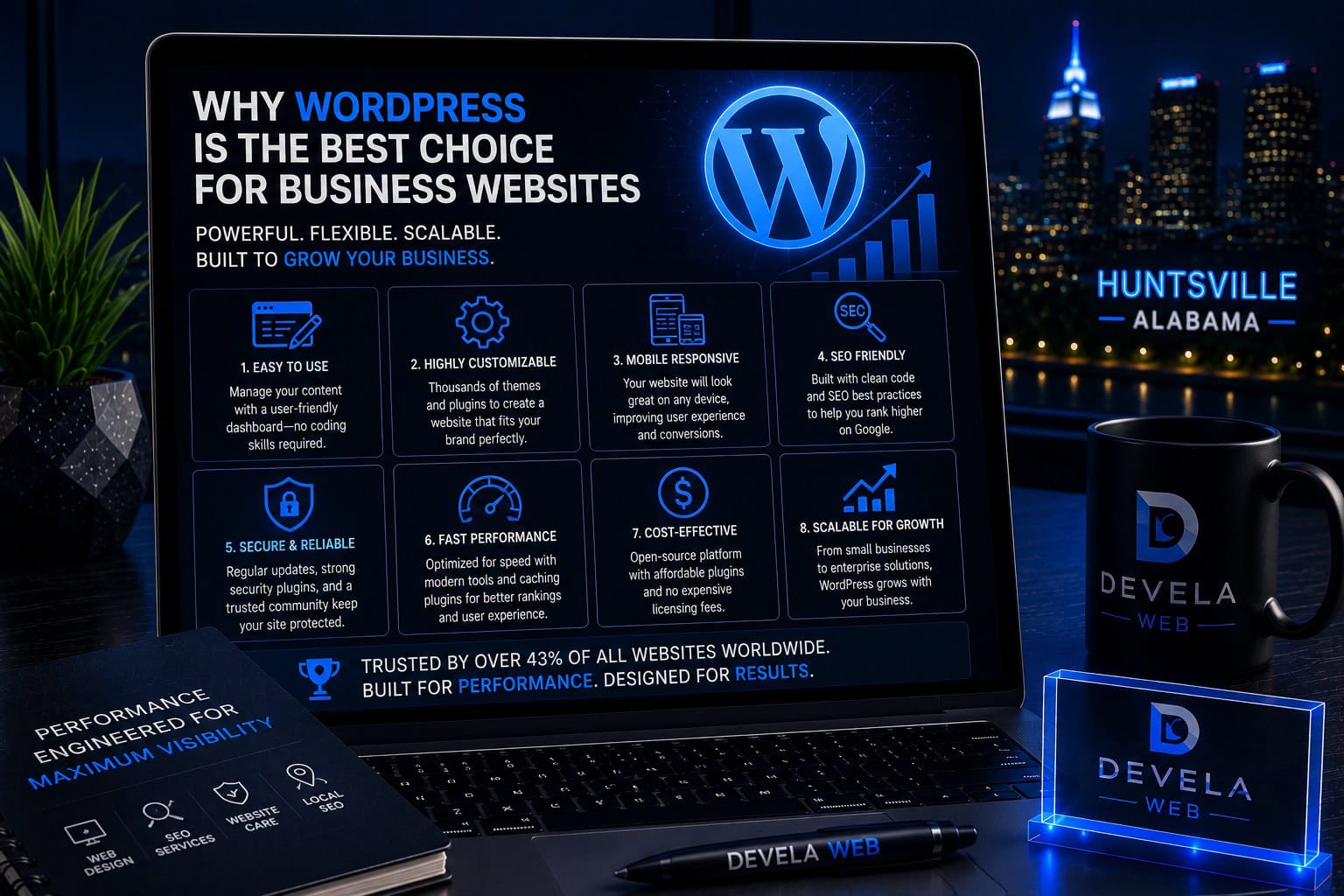
A redesign should simplify routine management while preserving appropriate controls. The goal is not to expose every technical setting—it is to make normal content work safer and more efficient. For many businesses, the ownership and flexibility described in our guide to why WordPress is a strong platform for business websites can support that long-term goal.
Sign 7: SEO Problems Keep Accumulating
Search performance can be weakened by unclear page topics, duplicate content, broken links, poor internal linking, outdated URLs, missing redirects, weak mobile performance, and technical crawl problems.
A redesign may be appropriate when the site architecture itself is preventing clean optimization. However, redesigns can also damage SEO when important pages are removed or URLs are changed without a migration plan.
Never delete indexed pages or change established URLs casually. Inventory current content, preserve valuable pages, map redirects, and monitor Search Console after launch.
A professional SEO audit can help determine which problems should be corrected before, during, or after the redesign.
Sign 8: Important Features Are Unreliable
Contact forms, appointment tools, ecommerce functions, search, filtering, calculators, maps, and integrations should work reliably across current devices and browsers.
Repeated failures may indicate outdated plugins, unsupported custom code, conflicts, poor testing, or an architecture that was never designed for the functionality added later.
Functionality to test before deciding
Sign 9: Competitors Provide a Much Better Online Experience
Competitor websites should not be copied, but they can reveal changing customer expectations. If leading competitors provide clearer service information, stronger proof, easier mobile navigation, better photography, faster performance, and more useful local content, your site may be creating an avoidable disadvantage.
Compare the customer experience
- Can visitors understand services more quickly?
- Are reviews, projects, credentials, or case studies easier to find?
- Do competitors offer clearer calls to action?
- Is their mobile experience noticeably smoother?
- Do their pages answer more customer questions?
Use competitive research to identify gaps, then build a website that reflects your own strengths, positioning, and customers.
Sign 10: The Website Has Become a Collection of Patches
Websites often accumulate fixes over time: new plugins, duplicated sections, extra CSS, old redirects, abandoned templates, inconsistent forms, and multiple design systems. Each addition may have solved an immediate need while making the whole site harder to understand.
When improvement requires working around layers of previous workarounds, a clean rebuild can reduce long-term complexity and make future development safer.
If maintaining the old system now costs more time and risk than rebuilding a cleaner one, the redesign is no longer only a visual project—it is a technical and operational improvement.
A Practical Website Redesign Plan
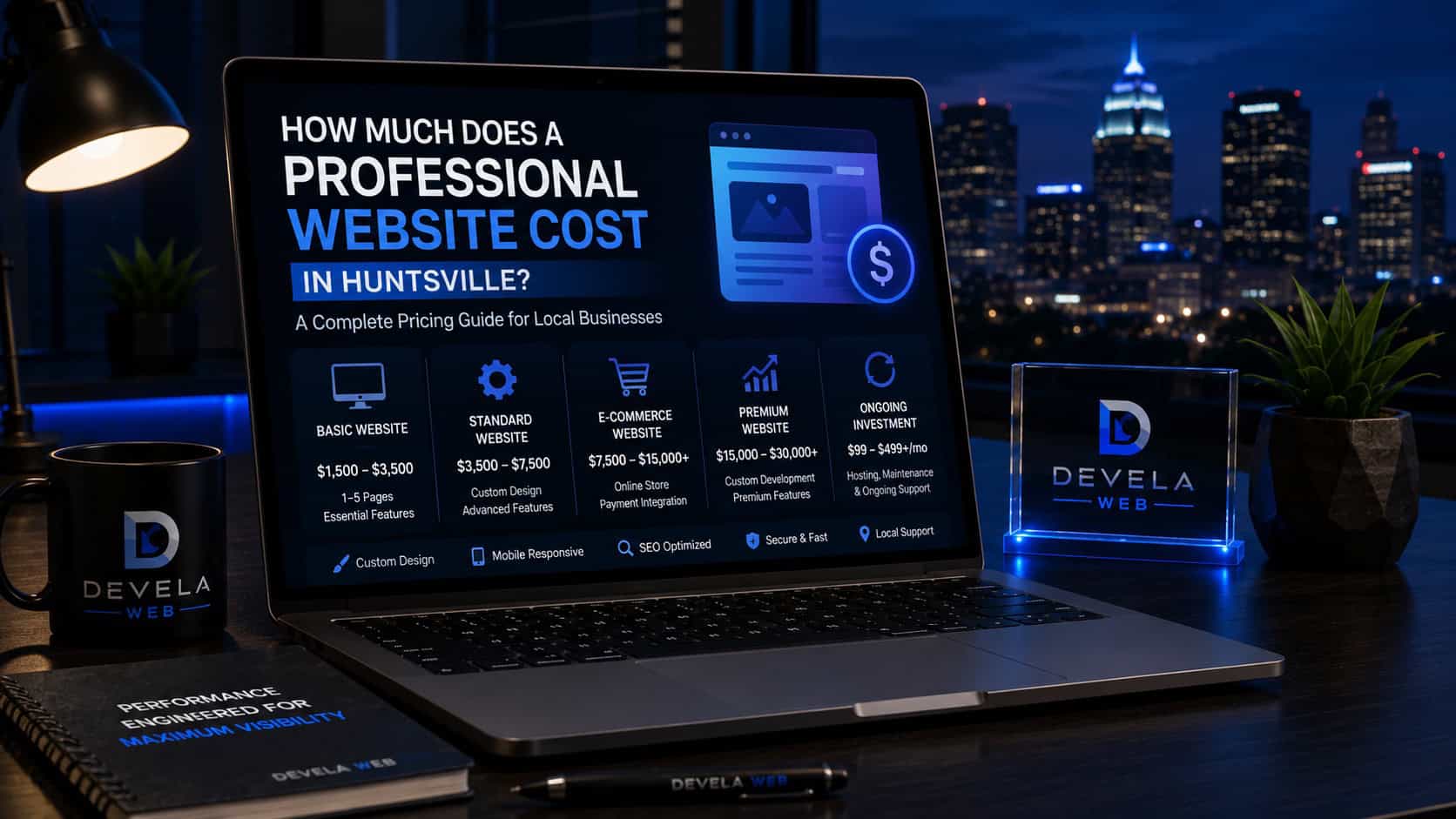
A redesign should begin with discovery and inventory before design work starts. This protects valuable content, prevents accidental SEO losses, and keeps the project connected to measurable business goals. Business owners planning the investment should also review how much a professional website costs in Huntsville before comparing redesign proposals.
- Define the business goals the new website must support.
- Audit the current pages, content, rankings, links, and conversions.
- Identify what should be kept, improved, merged, redirected, or removed.
- Build the new sitemap and page strategy before visual design.
- Plan copy, images, proof, functionality, and conversion actions.
- Design mobile-first layouts around real customer priorities.
- Test forms, speed, accessibility, SEO, and analytics before launch.
- Monitor traffic, indexing, errors, and conversions after launch.
Plan a Strategic Website Redesign
Devela Web redesigns business websites around clearer messaging, premium presentation, mobile usability, SEO foundations, performance, and conversion goals.
Explore Website Redesign ServicesCommon Questions About Website Redesigns
These are common questions businesses ask when deciding whether to improve, rebuild, or replace an existing website.
How often should a business website be redesigned?
There is no universal schedule. Redesign when the website no longer supports the business, customers, technology, brand, performance, or marketing goals. A well-built and maintained site can remain effective for years without a complete rebuild.
What is the difference between a website refresh and a redesign?
A refresh usually improves selected visuals, copy, images, or sections while preserving the main structure and system. A redesign revisits the architecture, layouts, content strategy, navigation, technology, and conversion paths more comprehensively.
Can redesigning a website hurt SEO?
Yes, when valuable pages are removed, URLs change without redirects, internal links disappear, content is weakened, or technical settings block crawling. A careful migration plan helps protect existing search equity.
How long does a website redesign take?
A focused redesign may take several weeks, while larger projects can take several months. The schedule depends on page count, content readiness, approvals, integrations, custom design, testing, and migration complexity.
Should I keep my existing website content?
Keep content that remains accurate, useful, relevant, and valuable in search. Improve weak pages, combine overlapping content, and redirect obsolete URLs carefully. Do not discard all existing content without reviewing its performance and links.
Should the redesign use WordPress?
WordPress can be an excellent choice for businesses that need flexibility, content control, SEO capabilities, and portability. The correct platform depends on the required functionality, management needs, budget, and long-term plan.
When should I request a professional website audit?
Request an audit when you are unsure whether the site needs optimization or replacement, when leads have declined, when technical problems keep returning, or before committing to a major redesign and migration.
Devela Web Editorial Team
The Devela Web Editorial Team creates practical, research-based resources covering SEO, web design, WordPress, Google Business Profile optimization, and website performance. Our guides help Huntsville and North Alabama businesses improve visibility, attract qualified customers, and grow online.
- Professional Web Design
- Website Redesign Strategy
- Website Performance Optimization
- SEO-Focused Website Planning